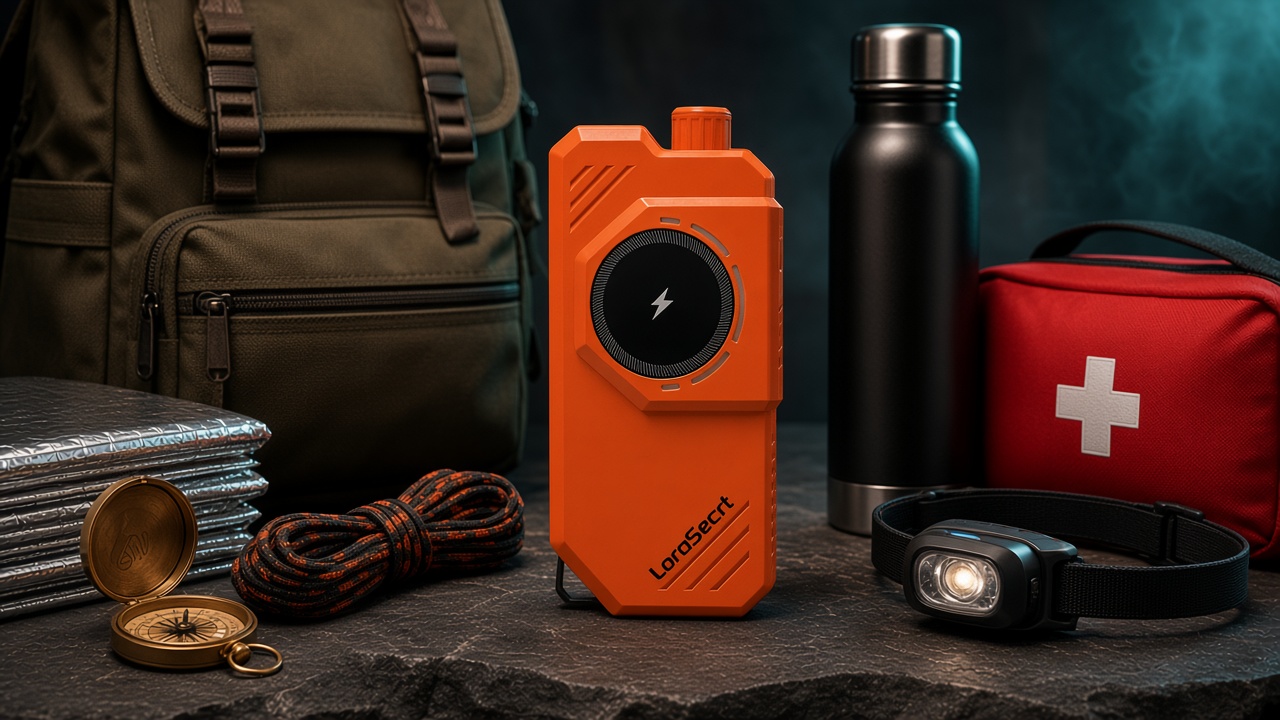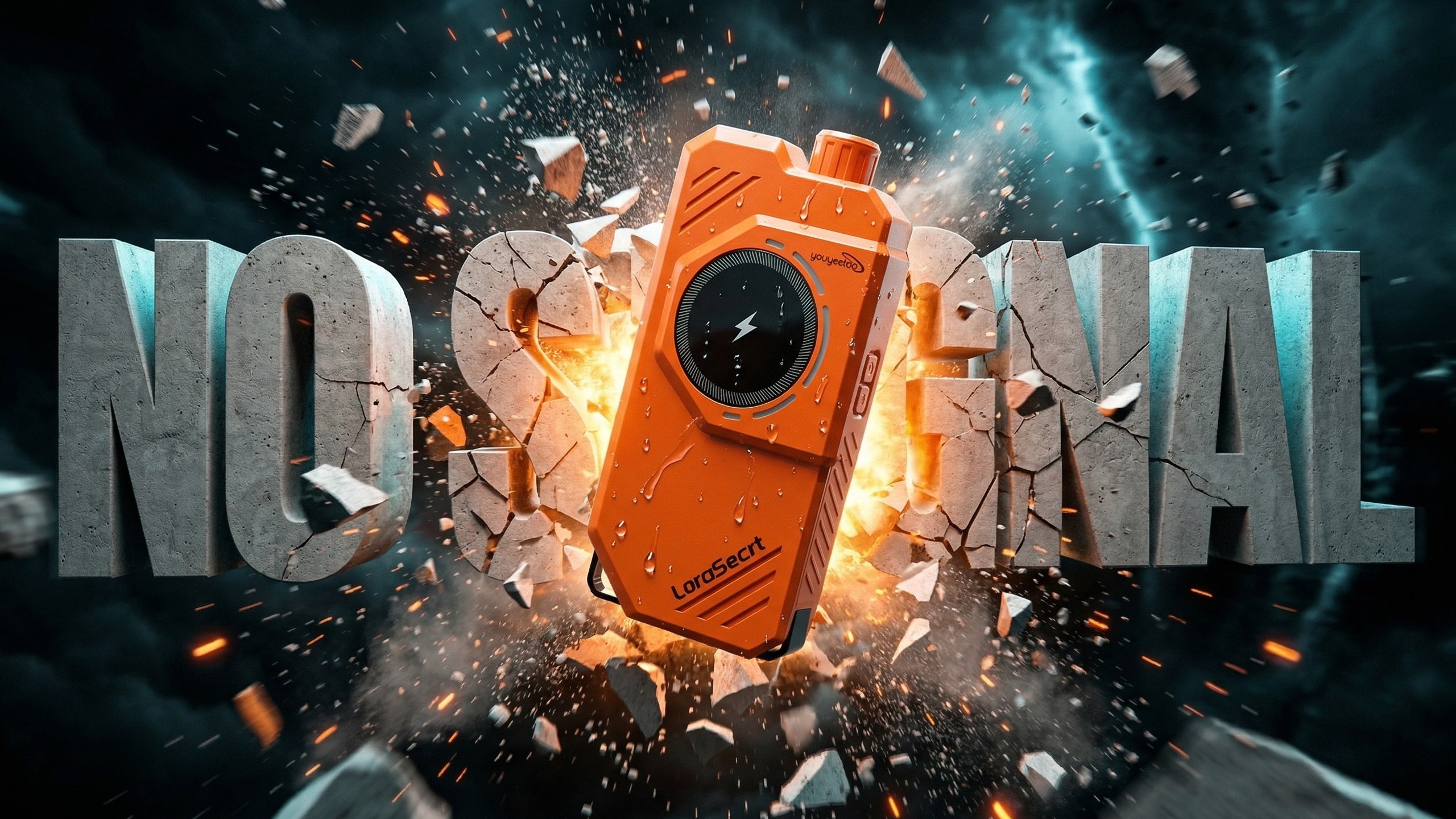
No signal?
Still connected.
Up to 10 km device to device without a network, one-press SOS, and a 10000 mAh battery. No SIM, no monthly fee.
Trails, coastlines and disaster zones are where the signal ends. LoraSecrt keeps your group talking after it does.
One app. Two ways to reach your people.
LoraSecrt pairs with your phone over Bluetooth. The app picks the channel for you, based on whether the device is connected.
With network
Messages go to friends in real time over the phone network, and the map shows your phone's current location.
Device not connected: online channel first

Without network
Messages travel over LoRa, point to point between LoraSecrt devices within range. Your position comes from the device, and you see nearby users who carry one.
Device connected: device channel first
Switching is automatic. Connect the device and messages go device to device; disconnect it and they go back over the cellular network. No SIM, no monthly fee.
SOS emergency help
Three seconds to call for help.
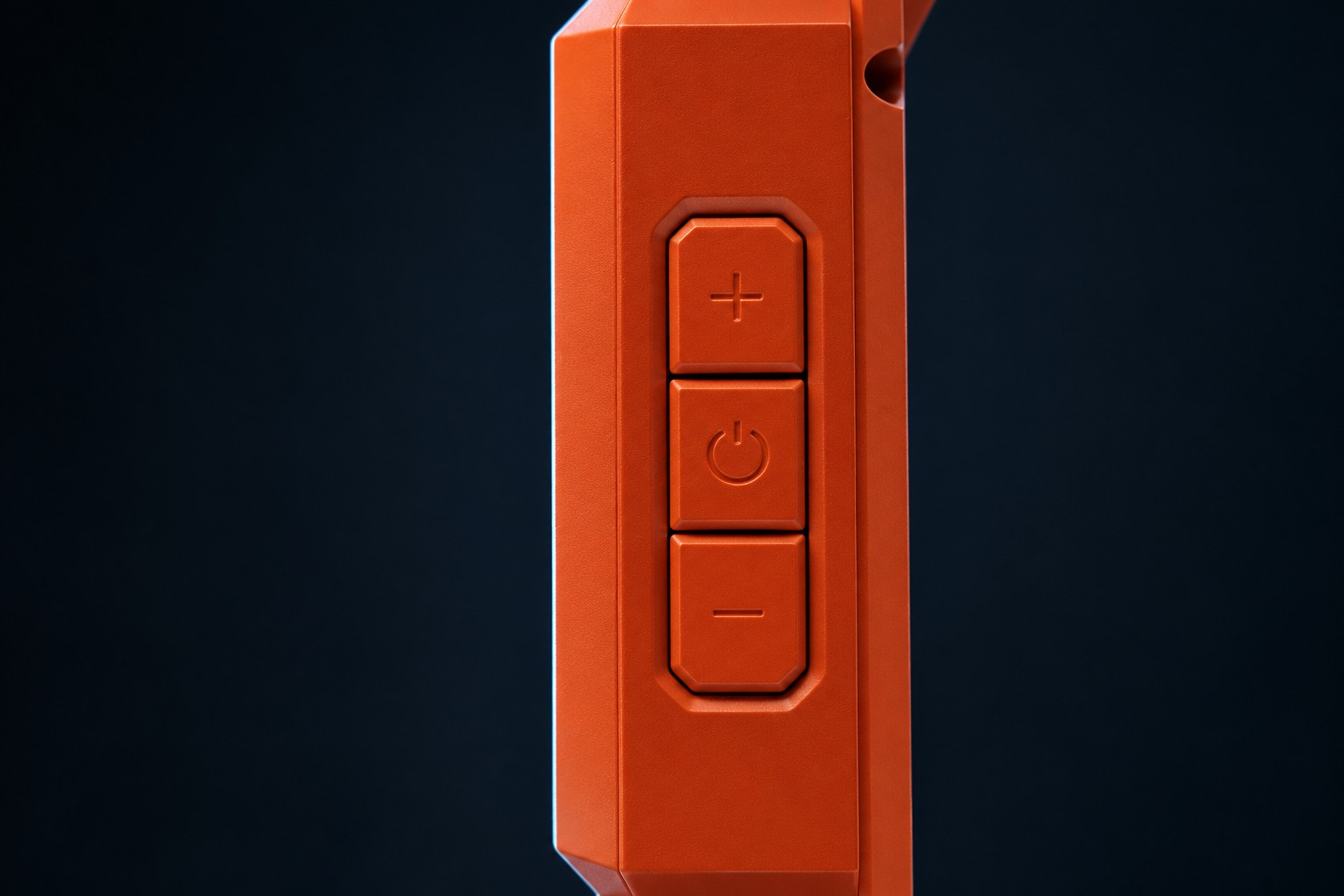
Hold Vol+ and Vol- for 3 s
Or, with the device connected, long-press the Bluetooth icon at the top of the app home page.
It sends your ID and position
The device sends its ID with latitude and longitude. The positioning, data and status lights flash together.
Friends and nearby devices receive it
They get the SOS message and can see the latitude and longitude it was sent from.
Hold Vol+ and Vol- for 3 s again to exit SOS mode.
International distress light signal
Hold the lighting button for 3 s and the lamp flashes the international distress signal. Press it again to turn it off.
Use SOS only in genuine emergencies. Make sure the antenna is installed and the battery is sufficiently charged.
A messenger, a power bank, a lamp and a radio.
Keep chatting with no signal.
Send text and voice messages to friends or a group. The Public Board collects broadcasts from everyone nearby when you are offline outdoors, and you can add a nearby user straight from the map, with no network.
- Private chat
- Group chat
- Voice messages
- Public Board
- Add nearby users from the map
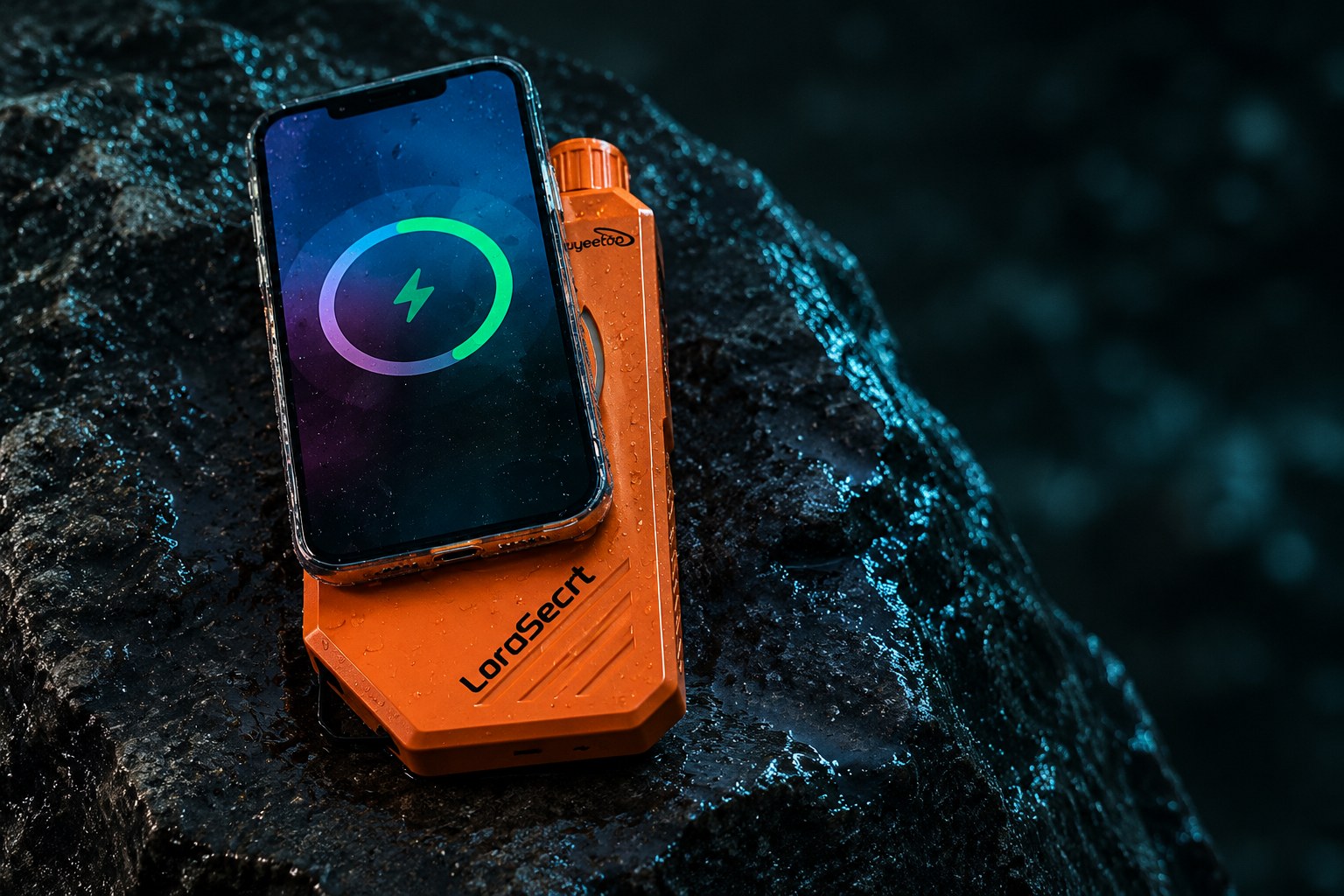
10000 mAh for your phone.
- Type-C in
- max 22.5 W
- Type-C out
- max 20 W
- Wireless, magnetic
- max 10 W
- USB-A
- max 1 W
- Solar panel
- max 1.5 W
Type-C and wireless together share 20 W, allocated adaptively. USB-A only powers small appliances such as fans and desk lamps; it is not for charging. Solar is for emergency top-ups only.
Lamp
Short-press the lighting button to cycle high, low and strobe. Hold it 3 s for the distress signal.
FM radio
50-115 MHz. Plug a 4-pole headphone into the 3.5 mm jack, then hold the radio button 3 s.
Every key, port and panel.
Front
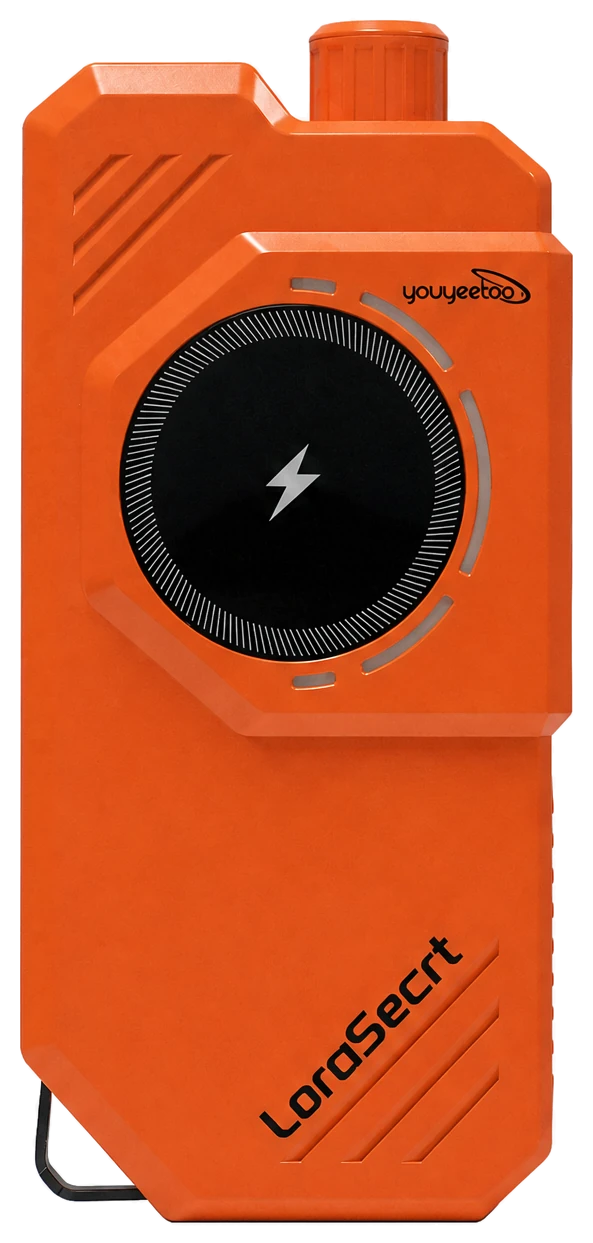
Magnetic wireless charging area and indicator lights on the face. Lamp and antenna interface on top.
- Magnetic wireless charging area
- Wireless charging indicator
- Working indicator lights
- Lamp (top)
- Antenna interface (top)
Your phone becomes the command center.
Offline map, private and group chat, voice messages, a Public Board for everyone nearby, and SOS. All in the free LoraSecrt app.
Free LoraSecrt app for iOS and Android
Pair in seconds. Then see everyone on the map.
Hi, Alex
ID: 1024 5566 7788
My Devices
LoraSecrt
ConnectedPairing successful
Connected devices: LS-0028
ID: 1024 5566 7788
◎ Alpine trail, sample location
Track recording
Record routes and navigate back to the start
Navigation
Route planning with real-time guidance
Ranging
Measure the distance between points on the map
Star map
See satellite signal reception
Offline map
Download maps to use without a network
Screens redrawn from the real app. Names, IDs and map are sample data.
Specifications
10km
No-network point to point, max. Clear open area, antenna height 2.5 m.
10000mAh
Lithium polymer battery.
20W
Type-C output, single port max. Shared with wireless when both are in use.
Power
- Input
- Type-C max 22.5 W; solar panel max 1.5 W
- Output
- Type-C single port max 20 W; wireless (magnetic) max 10 W; USB-A max 1 W, small appliances only, not for charging
- Shared output
- Type-C + wireless together share 20 W, allocated adaptively
Connectivity
- Communication
- Point to point ≤10 km without network
- Bluetooth
- Bluetooth 5.0
- Radio
- FM 50-115 MHz
- Audio
- 3.5 mm headphone jack
Body
- Dimensions
- 197 × 94 × 37 mm
- Weight
- Approx. 500 g
- Warranty
- 12 months from purchase
Source: youyeetoo LoraSecrt user guide. Specifications are subject to the actual product and may change without notice. Range drops with obstacles, ground, seawater and nearby metal.
Kickstarter · Successfully funded
0%
- Pledged
- HK$269,345
- Backers
- 109
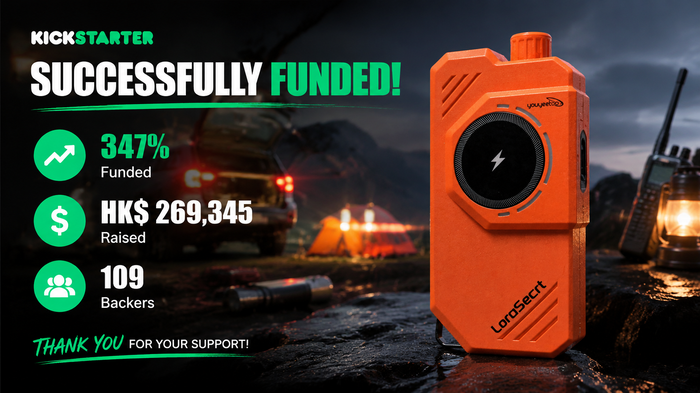
Goal HK$77,585. Campaign ran Mar 3 to May 2, 2026.
Featured on Hackster.io ↗Hands-on from independent creators
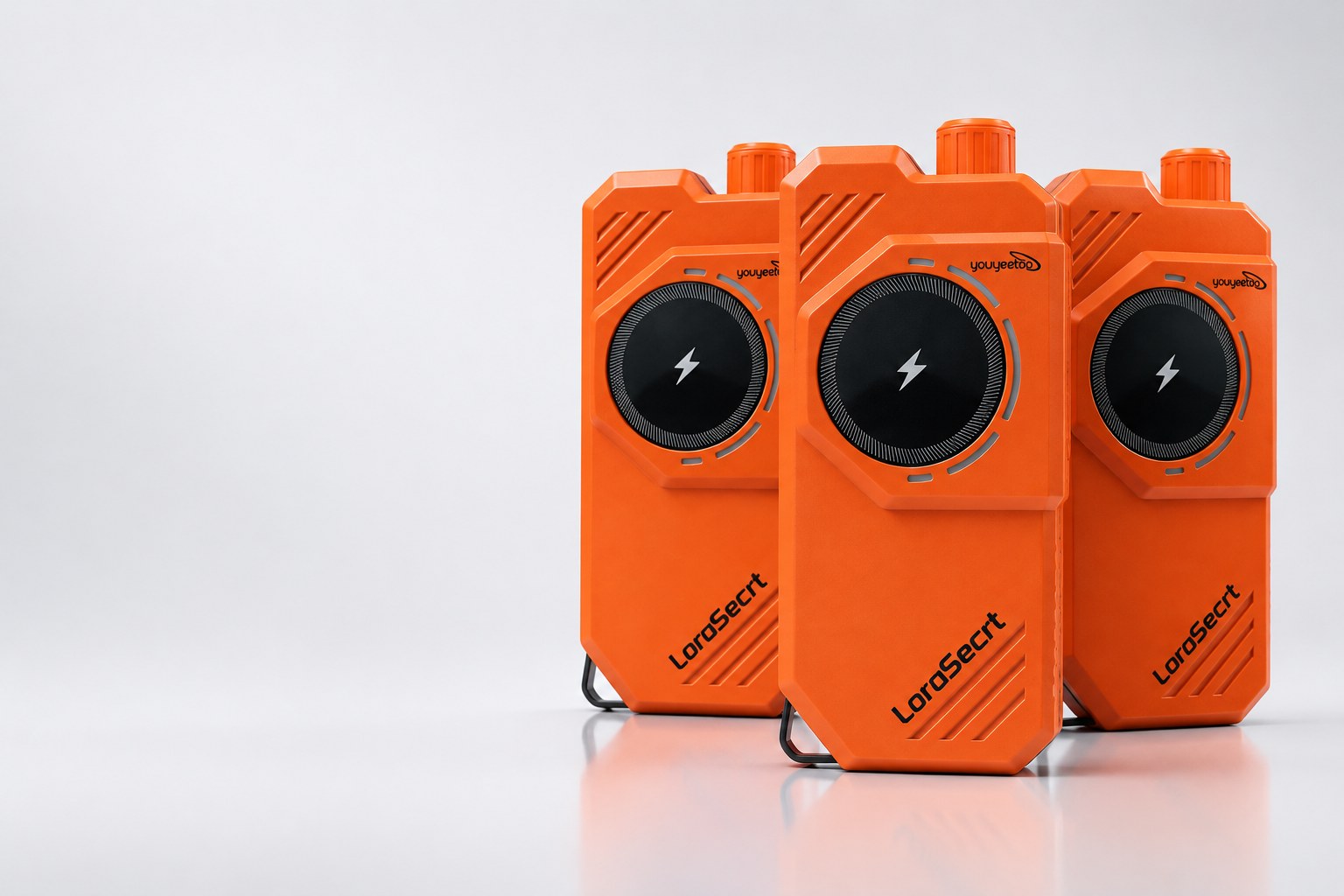
Get yours.
Pick the store for your region. Price, stock and shipping are set by each store.





Questions
More in the user guide or at shop@youyeetoo.com.
Yes. When the device is connected to your phone, messages go device to device over LoRa first. When it is not connected, the app sends and receives over the cellular network. Switching is automatic.
Hold Vol+ and Vol- together for 3 seconds, or long-press the Bluetooth icon at the top of the app home page while the device is connected. It sends the device ID, latitude and longitude to friends and nearby devices, and the three indicator lights flash together. Hold both keys 3 seconds again to exit. Use SOS only in genuine emergencies, with the antenna installed and enough battery.
Up to 10 km point to point without a network, in a clear open area with the antenna at 2.5 m. Obstacles, testing close to the ground, the seaside, humidity, interference and nearby metal all shorten the range.
No. The solar panel (max 1.5 W) is for temporary emergency power storage only; face it directly at the sun. For everyday charging use Type-C input (max 22.5 W).
Yes, over Type-C (single port max 20 W) or the magnetic wireless charging area (max 10 W). Used together they share 20 W. The USB-A port (max 1 W) only powers small appliances such as fans and desk lamps and is not for charging.
No. Do not use it during thunderstorms: the external antenna can attract lightning, which may cause injury or damage. Also keep metal away from the antenna and do not keep the device in a metal case, as that severely weakens the signal.